All your creative files. Organized and ready to share.
Store, organize, preview and share your creative assets from one central workspace. Keep your files accessible and your projects under control with Adprove.
Stop letting scattered files slow you down.
Creative projects generate a lot of files. Different versions, formats, campaigns and client deliveries can quickly become difficult to manage.
Files end up scattered across computers, cloud storage services and email attachments. Finding the right version or sharing the correct asset becomes another task in your workflow.
Adprove gives you a dedicated space for your creative files, making it easier to organize, access and share your work.
One workspace for the creative formats you work with.
Adprove is designed for managing digital creative assets. Keep different types of content organized and accessible from one place.

Adform

Amazon Ads

Azerion

Doubleclick

Google Ads

HTML5

Zip-files

MP4/AVI/WMV/MOV

JPG/PNG/GIF

PDF (Coming soon)
Every feature is included in all plans
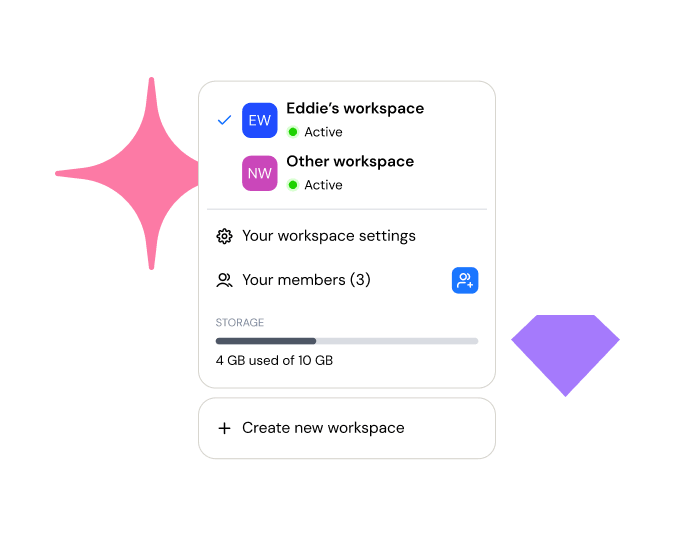
Workspaces simplify your work
Unlimited team members
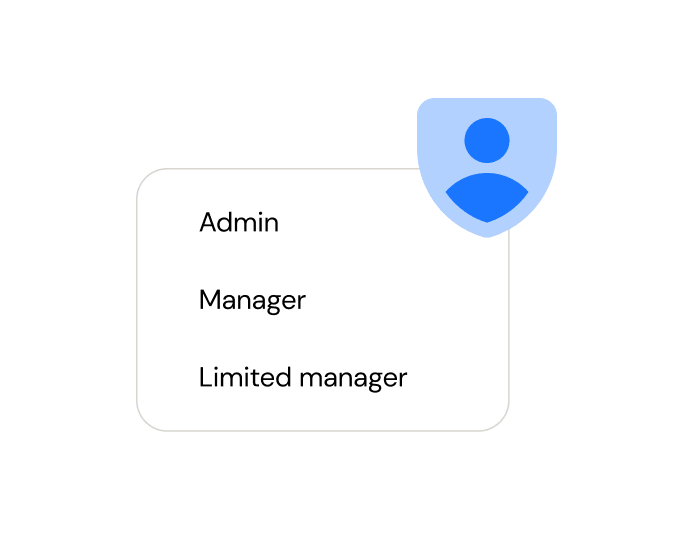
Team user roles
Unlimited ads
Precise feedback
Advanced file management
CENTRALIZED FILE MANAGEMENT
Bring all your creative assets together.
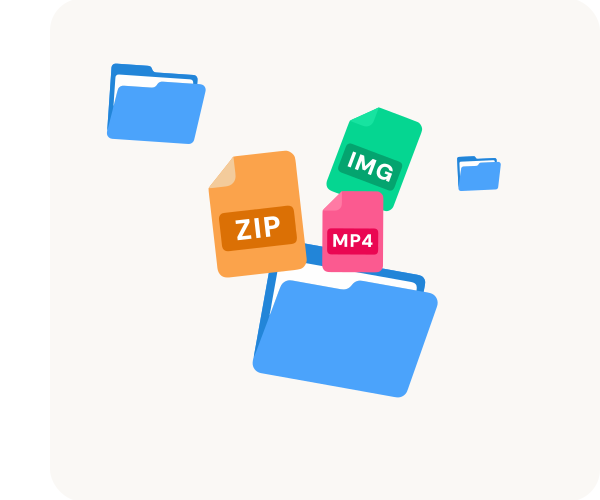
Keep your digital creative content in one organized workspace. Upload your files directly to Adprove and access them whenever you need them.
Whether you’re managing HTML5 banners, images or videos, your creative assets stay organized and easy to find.
ORGANIZATION
Create a structure that works for you.
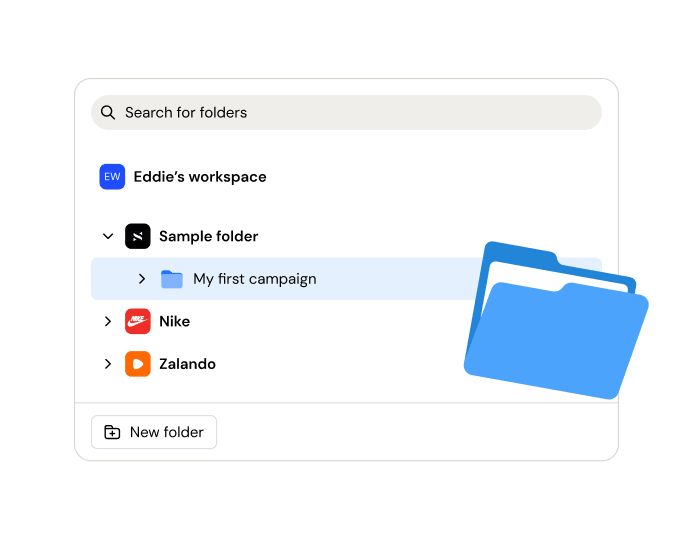
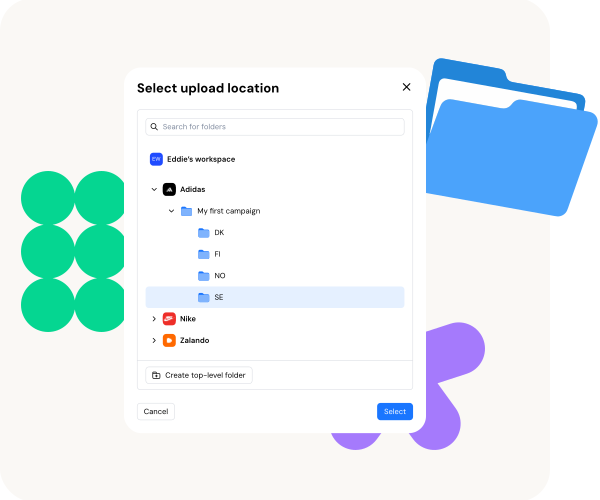
Every project is different. That’s why Adprove gives you the flexibility to organize your creative files according to your own workflow.
Create folders for clients, campaigns or projects and arrange your assets in a structure that makes sense for your team.
No more digging through endless lists of files to find what you’re looking for.
CREATIVE PREVIEWS
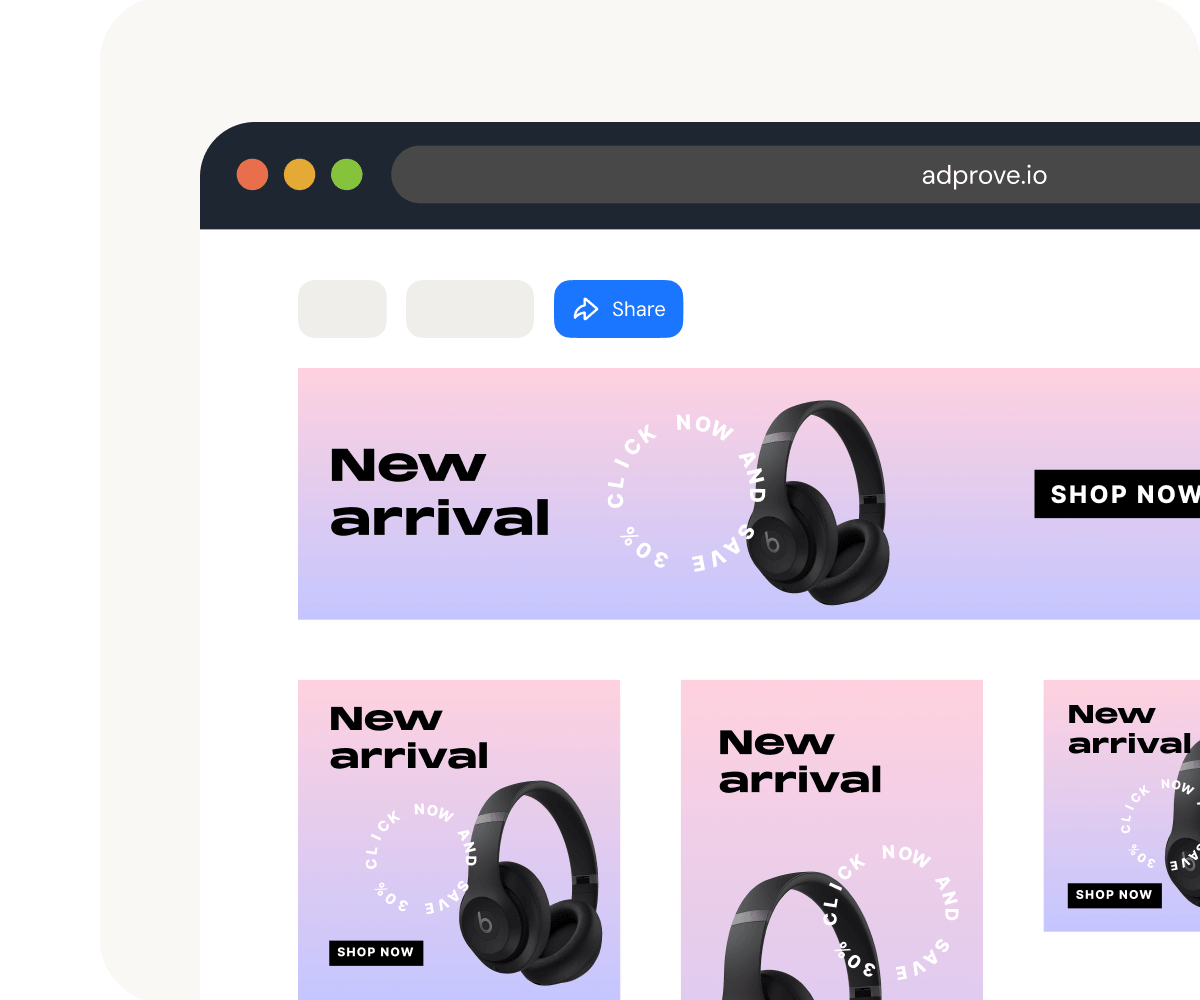
Preview your creatives without downloading them.
Not every file needs to be downloaded just to see what’s inside.
Adprove lets you preview supported creative formats directly within the platform, making it easier to browse your assets and identify the right content.
From static images to videos and interactive HTML5 banners, review your creative files in a convenient environment.

FILE SHARING
Share your creative work with ease.
Make your creative assets accessible to colleagues, clients and stakeholders without relying on large email attachments.
Create shareable preview pages and give others a convenient way to view your work.
Choose how your content is shared and maintain control over who can access it.
COLLABORATION
Turn file sharing into productive collaboration.
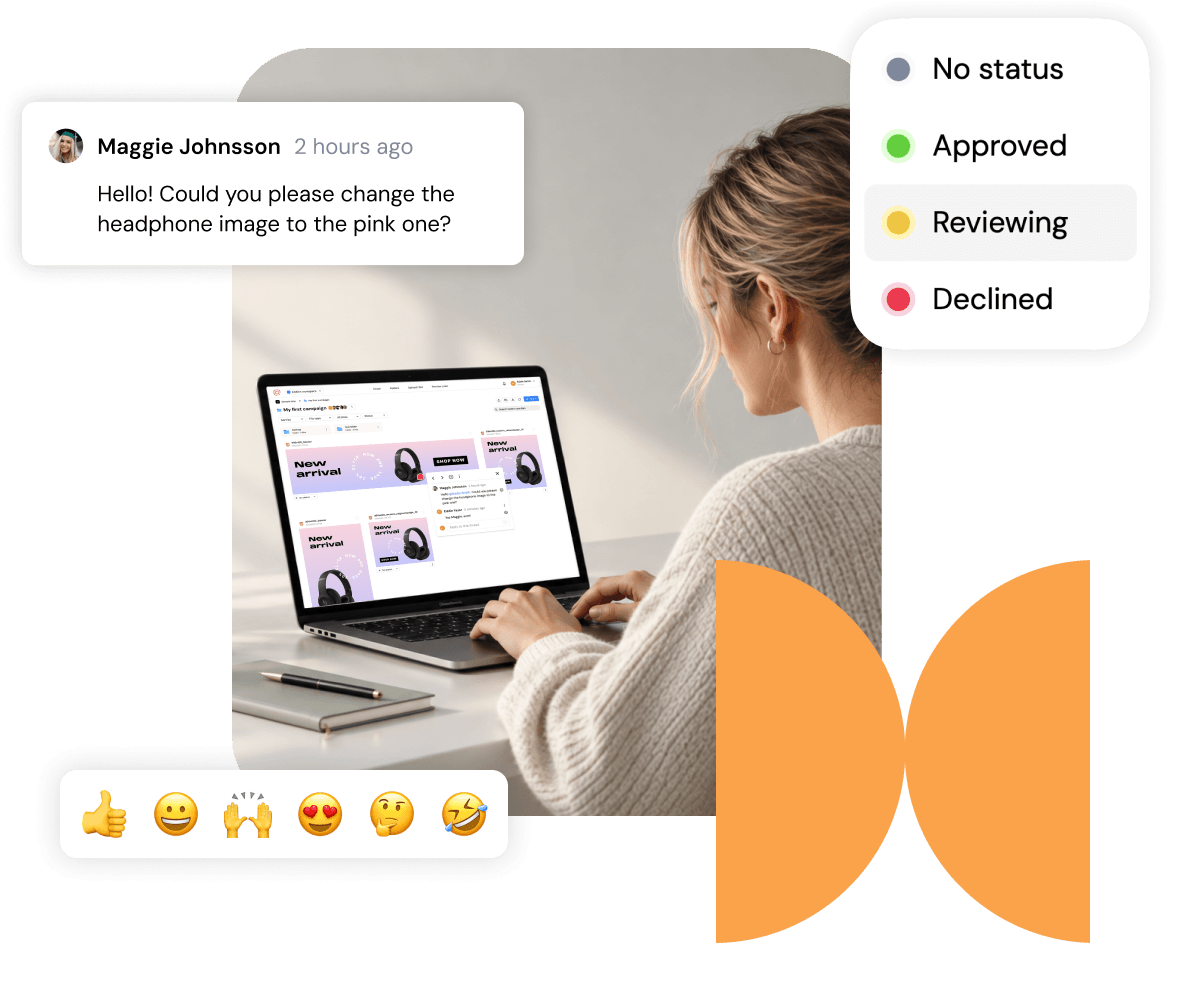
Storing and sharing files is only part of the process. Creative work often requires feedback, revisions and approval before it’s ready.
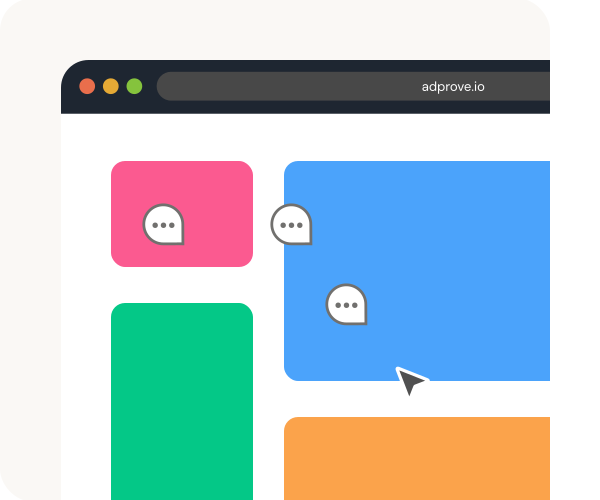
Adprove brings these activities together. Let clients and colleagues comment directly on your creatives and keep feedback connected to the files it belongs to.
No more searching through separate conversations to understand what needs changing.

More creativity. Less administration.
Your time is valuable. Every minute spent chasing feedback, organizing files or explaining where clients should leave comments is time taken away from your creative work.
Adprove helps you simplify these everyday tasks, giving you more time to focus on your clients and the work you love.
See Adprove in action
During a personalized demo, we’ll show you how Adprove can transform the way your team reviews and approves digital content.
You’ll discover how the platform streamlines collaboration, simplifies feedback, and brings all stakeholders together in one place, making the entire review and approval process faster, smoother, and more efficient.
Trusted by creative teams and professionals.


"Security is an essential part of our workflow, and Adprove makes it easy to manage. With restricted user access and password-protected preview pages, we can confidently share sensitive campaign materials with our key clients."

Carmen R.
Request a demo
Send us an email: demo@adprove.io
We’ll get back to you within 24–48 hours.

Make your next project easier.
Give your creative work the approval process it deserves. Organize your projects, share your work and collect feedback with Adprove.
No credit card required.
Frequently Asked Questions
Find quick answers to the most common questions about Adprove
Adprove is an online preview and feedback tool that helps advertising agencies, designers, and freelancers share and review digital ad campaigns such as HTML5 banners, images and video.
Accepted file types are image files (jpg, png, gif, svg), HTML5 ad packages (zip) and video files (mp4, mov, avi).
Yes. Reviewing files, leaving feedback, and collaborating in other workspaces is free. Your own workspace is automatically activated when you upload your first files, starting a 14-day free trial — no credit card required.
In Adprove, a workspace is the shared working area where you organize and manage your ad-approval work. A workspace serves as the container for a particular organization, team, or client workflow, decided by you. Keeping the relevant work together.
Adprove makes it easy to build and manage your team by inviting team members directly to your workspace.
To add someone to your team, simply invite them by email and assign the appropriate role. Roles help control what each team member can access and do within the workspace, allowing you to create a setup that fits your organization and workflow.
Once invited, team members can collaborate on campaigns, creatives, feedback, and approvals within the same workspace. This keeps everyone working from one central place and makes it easier to manage the entire ad approval process as a team.

Adprove offers four internal team roles, each with different levels of access and control:
- Owner — Has full control over the workspace, including billing, subscription, team roles, clients, folders, files, and workspace settings.
- Admin — Has broad administrative access, including managing team members, clients, files, folders, and the workspace subscription and payment settings.
- Manager — Can manage clients, folders, files, uploads, and comments, but cannot manage billing or team roles.
- Limited Manager — Has restricted access to files and folders based on the permissions they are given. They can manage files and folders within their assigned access.
There are also external users rather than team members. They can access shared preview pages, leave comments, review content, and approve or reject work depending on the permissions enabled for the project.
No. Your clients can access your projects and collaborate with you without purchasing a paid Adprove plan. Simply share them preview links to your project, and they can review your work, leave comments, approve or reject content, and access shared files based on the permissions you provide.
You can cancel your Adprove subscription at any time from your Workspace Settings. Go to Plan, select Cancel subscription, and follow the instructions.
Your subscription will remain active until the end of your current billing period, and you’ll continue to have access to your plan until then.